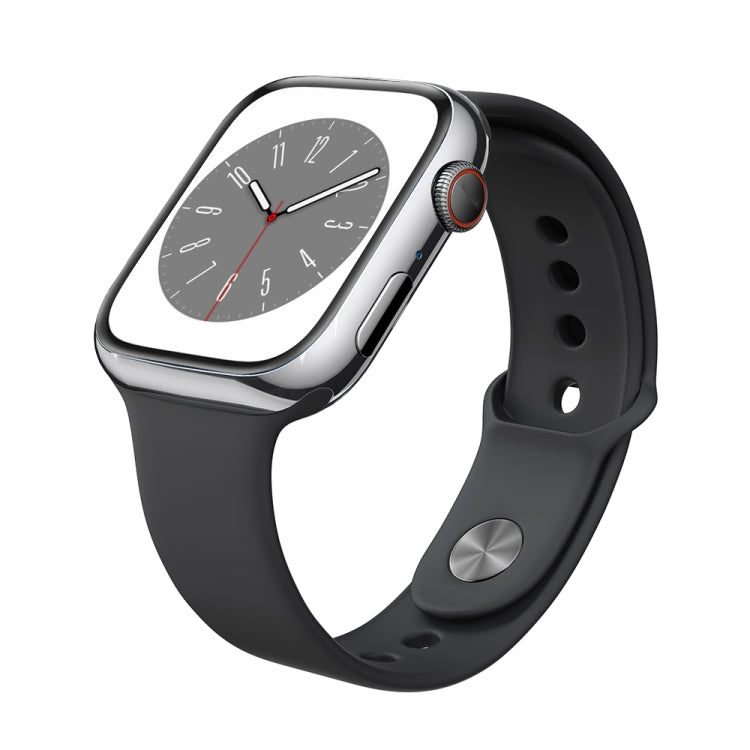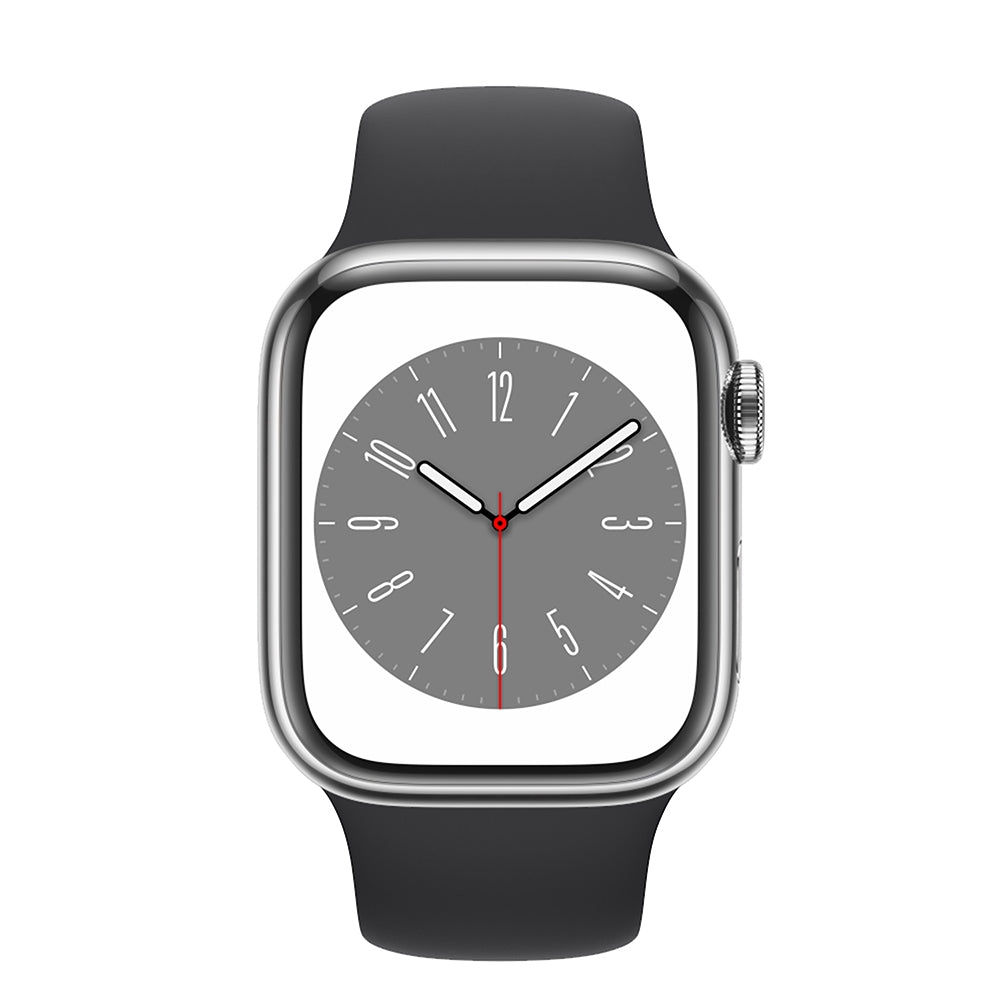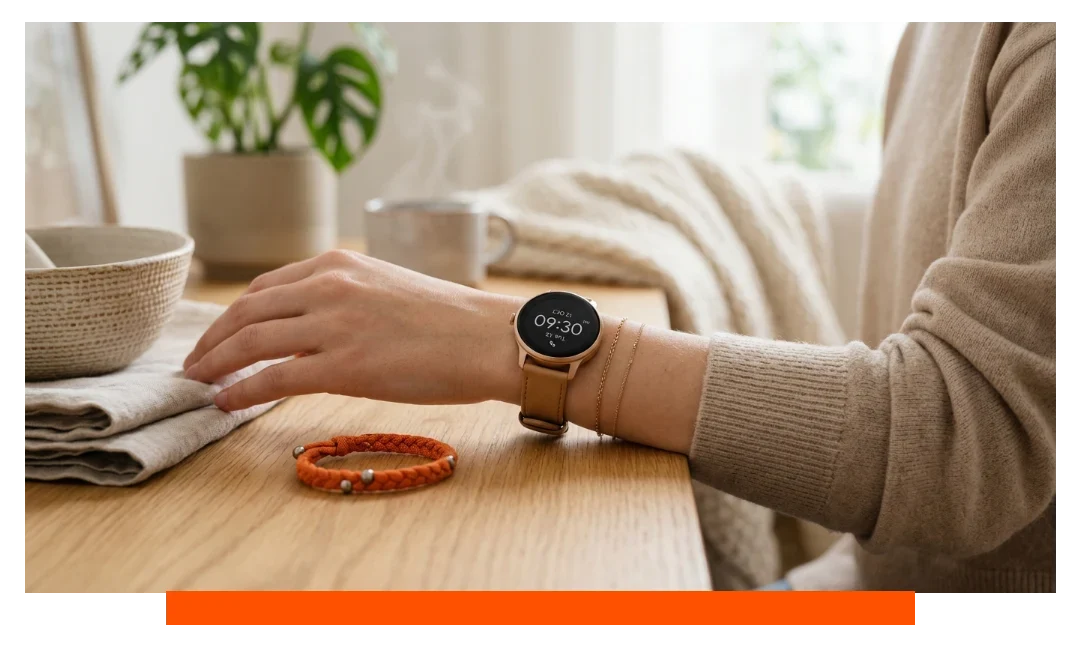
A smartwatch is no longer just an accessory that tells the time. It can help you check notifications, manage calls on supported models, track daily activity and workouts, and access useful features without taking your phone out every few minutes.
However, the growing number of options has also made choosing the right smartwatch more complicated. One model may offer an AMOLED display, another may promise several days of battery life, while others focus on Bluetooth Calling, GPS, or dozens of sports modes.
That raises an important question: how do you choose a smartwatch that actually fits your needs?
The answer does not start with the brand name or the number of features. It starts with understanding how you plan to use the watch. Your smartphone, daily routine, expected battery life, preferred display size, and the features you will genuinely use should all influence your decision.
In this guide, you'll learn which smartwatch specifications are worth comparing, which features deserve your money, and which ones you may be able to skip.
Looking for a smartwatch that matches your needs?
Explore the smartwatches available on Cart and compare your options after learning which specifications matter most.
Before Buying a Smartwatch, Define Your Needs First
One of the most common mistakes is comparing smartwatch models before knowing what you actually need from one.
Without clear priorities, it is easy to base your decision entirely on price, appearance, or the number of advertised features.
Before looking at technical specifications, answer three questions:
Which smartphone do you use? Why do you want a smartwatch? How much are you willing to spend?
Your answers can immediately eliminate many unsuitable options.
Why Do You Want a Smartwatch?
Someone who mainly wants to manage calls and notifications at work will have very different requirements from someone buying a smartwatch for running or fitness.
You may want a smartwatch for:
-
Checking calls and notifications.
-
Gym workouts and fitness.
-
Running and outdoor activities.
-
Tracking steps and daily activity.
-
Monitoring sleep and general activity trends.
-
Quickly accessing smartphone functions while working.
-
Reducing how often you need to take out your phone.
Identify your primary use first, then look for specifications that support it.
For example, someone who regularly runs without carrying a smartphone may prioritize built-in GPS, while someone buying a smartwatch for work may care more about calling, notifications, and battery life.
How Much Should You Spend on a Smartwatch?
You don't always need the most expensive smartwatch to get a good experience.
Budget smartwatches can provide essential functions such as notifications, activity tracking, and calling on supported models. Mid-range options may offer a better balance between display quality, battery performance, and fitness features.
More expensive smartwatches may add deeper smartphone ecosystem integration, GPS, higher-end materials and displays, or additional functions depending on the model.
Instead of asking only:
What is the best smartwatch within my budget?
Ask:
Which features will I actually use for the money I'm spending?
How to Choose a Smartwatch: 10 Factors to Compare Before Buying
Once you have defined your needs and budget, you can start comparing smartwatches.
The following factors have a direct impact on the everyday experience, so they should be reviewed before making your decision.
1. Check Compatibility With Your Smartphone
This is one of the most important steps when buying any smartwatch.
Having Bluetooth on both your phone and smartwatch does not automatically mean every feature will work.
The watch may successfully connect to your smartphone while some functions remain limited depending on the operating system, companion app, or device.
If you use an iPhone, check compatibility with iOS. If you use a Samsung Galaxy or another Android smartphone, check the supported Android version and any app requirements.
Before buying, review:
-
Supported operating systems.
-
Required iOS or Android versions.
-
The companion app used to manage the smartwatch.
-
Notification support.
-
How calling features work.
-
Activity-data synchronization.
-
Features restricted to specific devices or operating systems.
The goal is not simply to determine whether the smartwatch "works" with your phone. You need to know which features will actually work after connecting it.
2. Choose the Right Display for Your Needs
The display is one of the parts of your smartwatch you will interact with most frequently, so don't choose based on size alone.
When comparing smartwatch displays, consider:
-
Display technology.
-
Screen size.
-
Resolution.
-
Brightness.
-
Outdoor visibility.
-
Touch responsiveness.
-
Always-On Display support, if important to you.
AMOLED vs. LCD: Which Is Better?
AMOLED displays generally offer high contrast, deep blacks, and rich colors. They are commonly used in smartwatches designed to provide a more premium viewing experience.
LCD displays can still provide a good experience, particularly in budget and mid-range smartwatches, although quality varies considerably between models.
|
Feature |
AMOLED |
LCD |
|
Contrast |
Usually higher |
Varies by display |
|
Black levels |
Deeper |
Relies on backlighting |
|
Colors |
Usually rich |
Depends on display quality |
|
Always-On Display |
Common on supported models |
Depends on the model |
|
Price positioning |
Found across multiple segments, especially better-equipped models |
Common in affordable models |
Don't choose a smartwatch simply because "AMOLED" appears on the box. Brightness, resolution, size, and overall display quality also matter.
3. Is a Bigger Smartwatch Display Always Better?
Not necessarily.
A larger display can make notifications easier to read and menus easier to navigate, but it may also make the watch larger and heavier on your wrist.
Think of a smartwatch as something you may wear for many hours rather than a screen you only look at occasionally.
Pay attention to:
Case Size + Screen Size + Weight + Strap
If you plan to wear the watch during exercise, while sleeping, or throughout the entire workday, comfort should be a major consideration.
4. Compare Battery Life Based on Real-World Use
"Up to 7 days of battery life" sounds excellent, but it doesn't necessarily mean every user will get seven full days.
Battery life depends heavily on how you use the smartwatch, particularly when using features such as:
-
GPS.
-
Always-On Display.
-
Bluetooth Calling.
-
Workout Tracking.
-
High display brightness.
-
Continuous monitoring features.
-
Frequent notifications.
When comparing two smartwatches, don't look only at standby time. Check the expected battery life under typical usage and consider which features you will keep enabled regularly.
If you don't want to charge your watch every day, giving up a few less-important features in exchange for longer battery life may be a better decision.
5. Do You Need Built-In GPS?
GPS can be extremely useful for some users and largely unnecessary for others.
There is an important difference between:
Built-in GPS: The smartwatch can use its own GPS for supported functions without continuously relying on your phone's location services.
Connected GPS: The smartwatch relies on the GPS of the connected smartphone for location data.
If you run, cycle, or participate in outdoor activities and occasionally want to leave your phone behind, built-in GPS may be worth prioritizing.
If your phone is almost always with you and you don't need independent route tracking, GPS may not need to be high on your list.
6. Decide What Type of Calling You Need
The phrase "supports calling" can mean different things depending on the smartwatch.
There are three common scenarios:
Call Notifications:
The smartwatch alerts you to incoming calls, but this does not necessarily mean you can speak through the watch.
Bluetooth Calling:
The smartwatch uses a Bluetooth connection to your smartphone to make or receive calls on supported models. Your phone therefore usually needs to remain within Bluetooth range.
Cellular / SIM / 4G:
Some smartwatches offer more independent cellular connectivity depending on the model, supported networks, and available services.
If calling is one of your main reasons for buying a smartwatch, don't stop at "Calling Supported." Find out how the calling feature actually works.
Are calling features a priority for you?
Compare the smartwatches available on Cart and check the type of connectivity supported by each model before making your decision.
7. Understand Water Resistance Before Buying
It is easy to see IP68 or "Water Resistant" and assume a smartwatch is automatically suitable for swimming, but that isn't always the case.
Water- and dust-resistance ratings vary, and manufacturer usage guidelines also differ between models.
You may come across ratings such as:
-
IP67.
-
IP68.
-
5ATM on some smartwatches.
However, these ratings should not be interpreted separately from the manufacturer's instructions.
If you plan to wear the smartwatch while swimming or during another water activity, check the specifications and manufacturer guidance for that specific use.
Remember:
Water resistant does not automatically mean waterproof under all conditions.
8. Choose Based on the Sports You Actually Do
The number of sports modes has become a popular marketing point for smartwatches.
But do you really need 100 or 150 sports modes?
What matters more is whether the smartwatch supports the activities you regularly perform and provides the information you want from them.
If You Work Out at the Gym
Prioritize comfort, workout tracking, battery life, and the ability to read data easily while moving.
If You Run
GPS, battery life, weight, outdoor display visibility, and running-related tracking may become more important.
If You Cycle
GPS, activity tracking, and longer battery life can be useful, particularly during longer rides.
If You Want to Use It for Swimming
Confirm specifically that the manufacturer allows the particular model to be used for the type of water activity you have in mind.
In other words:
100+ Sports Modes do not automatically make a smartwatch better than a model with fewer modes that covers your actual activities more effectively.
9. Review Health and Activity Tracking Features
Many smartwatches offer functions such as:
-
Heart Rate Monitoring.
-
Sleep Tracking.
-
SpO2 Monitoring.
-
Step Tracking.
-
Calorie estimates.
-
Stress Monitoring.
-
Workout Tracking.
These features can help you monitor general trends in your activity and daily habits, but their availability and accuracy vary by device.
It is also important to treat this data as a tool for general activity monitoring rather than a substitute for medical equipment or professional diagnosis.
If a smartwatch reading affects a health decision or causes concern, don't rely on the watch alone.
10. Don't Ignore the App and Software Experience
A smartwatch may have an excellent display and good battery life, but the companion app can still have a major impact on your experience.
The app may be where you review activity data, adjust settings, manage the smartwatch, or synchronize information.
Before buying, consider:
-
Compatibility with your smartphone.
-
Ease of use.
-
How activity data is presented.
-
Watch face customization options.
-
Data synchronization.
-
Available smartwatch updates.
Hardware matters, but the everyday smartwatch experience also depends heavily on software.
How Can You Tell Whether a Smartwatch Is Right for You Before Buying?
Before pressing the buy button, use this checklist as a final review:
|
Ask Yourself |
Why It Matters |
|
Is the smartwatch compatible with my phone? |
So the features you need will work |
|
Why do I want a smartwatch? |
Helps identify essential specifications |
|
Do I need calling features? |
Determines the type of connectivity you need |
|
Do I need built-in GPS? |
Important for some activities without a phone |
|
How long do I want the battery to last? |
Helps narrow down suitable options |
|
Is the watch comfortable? |
You may wear it all day |
|
Which sports do I actually do? |
Helps you choose suitable tracking features |
|
Is the water resistance suitable for my use? |
Ratings and permitted uses vary |
|
Will I use the additional features? |
Helps you avoid paying for unnecessary functions |
If you can answer these questions clearly, comparing available smartwatches becomes much easier.
How to Choose a Smartwatch for Fitness
When buying a smartwatch for fitness, it is easy to get distracted by the number of sensors and workout modes. A better approach is to start with the activity itself.
For someone who runs outdoors, the priorities may look like this:
Built-in GPS → Battery Life → Outdoor Display → Comfort → Running Tracking
For gym workouts, the priorities may instead be:
Comfort → Workout Tracking → Battery → Display → Activity Data
If you participate in water-based activities, suitable water resistance should also move higher on your list.
The goal is not to find the best fitness smartwatch in general, but to choose the watch that suits the type of training you actually do.
How to Choose a Smartwatch for iPhone
If you use an iPhone, always start with iOS compatibility before comparing other specifications.
Check:
-
Supported iOS version.
-
Required companion app.
-
Types of notifications available.
-
Calling support.
-
Data synchronization.
-
Features restricted to a specific operating system.
Some smartwatches may connect to an iPhone but offer a different level of functionality, so don't rely on the word "Compatible" alone.
Using an iPhone and not sure which option to choose?
Read our guide to the best smartwatch in Jordan and compare options based on smartphone compatibility, daily use, and battery life before buying.
How to Choose a Smartwatch for Samsung or Android
If you use a Samsung Galaxy or another Android smartphone, follow the same principle.
Start by checking:
-
Required Android version.
-
Companion app.
-
Features available on your device.
-
How calls and notifications work.
-
Fitness and activity-data synchronization.
-
Features that may require a particular device or operating system.
Simply having an Android smartphone does not mean every smartwatch will provide the same experience with it.
Which Smartwatch Features Are Not Worth Paying Extra for?
A bigger number on a specification sheet does not always mean greater value for you.
A Huge Number of Sports Modes
If you only walk, run, and go to the gym, dozens of additional activity modes may provide little practical value.
4G or Standalone Connectivity
This can be useful if you want greater independence from your smartphone, but it may not be necessary if you carry your phone with you most of the time.
An Oversized Display
A larger display may make content easier to read, but it isn't an advantage if the watch becomes uncomfortable on your wrist.
Advanced Features You Won't Use
Whether they are fitness functions or additional smart tools, don't pay more simply because they are available unless they are genuinely relevant to your daily routine.
Premium Materials
Premium materials may improve the look and feel of the watch, which can matter if design is a priority. However, they may not justify spending more if your main concern is functionality.
A useful rule when comparing models is
Don't buy the smartwatch with the longest specification list. Choose the smartwatch with the right specifications for you.
Cheap vs. Expensive Smartwatch: When Is It Worth Paying More?
Paying more can make sense when the additional cost gives you something you will use regularly, such as:
-
A better display.
-
GPS you genuinely need.
-
Higher build quality.
-
Better integration with your smartphone.
-
A more suitable software experience.
-
Additional connectivity options.
-
Battery performance that fits your routine.
-
Fitness or smart features you regularly use.
However, if a more affordable smartwatch already provides the calling, notifications, activity tracking, and battery performance you need, upgrading to a more expensive model may not be necessary.
Always compare the value you receive, not just the price.
Set your budget and essential features first.
Then explore the smartwatches available on Cart and compare options within your budget to find the best value for your needs.
Common Mistakes to Avoid When Choosing a Smartwatch
Buying a Smartwatch Based on Appearance Alone
Design matters, but it won't compensate for poor battery life, an uncomfortable size, or missing compatibility with your smartphone.
Not Checking Compatibility Before Buying
Don't assume every smartwatch works the same way with iPhone and Android.
Relying Only on Advertised Battery Life
GPS, calling, Always-On Display, and other features can reduce actual battery life.
Assuming IP68 Always Means You Can Swim With It
Check the manufacturer's instructions for the specific model and intended use before exposing the watch to water.
Choosing the Largest Display Without Considering Comfort
Bigger is not always better, particularly when you plan to wear the smartwatch for many hours.
Paying More for Features You Won't Use
Define your needs before comparing models so the number of advertised features doesn't control your buying decision.
Treating the Number of Sports Modes as a Measure of Quality
The number of workout modes alone does not tell you how useful or suitable the tracking will be for your activities.
Not Understanding How Calling Works
Bluetooth calling and standalone cellular connectivity are not the same thing. Understand the type of calling before buying.
How to Choose a Smartwatch in Less Than a Minute
If you want to simplify everything above into a quick buying process, follow these steps:
1. Set your budget.
Don't start by comparing models far above the amount you want to spend.
2. Check compatibility with your smartphone.
Review the supported operating system and available features.
3. Define your primary use.
Fitness? Calls? Work? Everyday activity?
4. Choose a comfortable size.
Think about hours of wear, not appearance alone.
5. Compare the display.
Technology, size, resolution, and brightness all matter.
6. Decide whether you need GPS.
This is particularly important for outdoor activities without your phone.
7. Choose the right type of calling.
Call notifications, Bluetooth Calling, or standalone cellular connectivity?
8. Compare realistic battery life.
Don't rely on standby time alone.
9. Check water resistance.
Make sure it matches the activities you intend to do.
10. Ask yourself whether you will actually use the extra features.
If the answer is no, don't make them a reason to spend more.
Know which specifications you need?
Explore the smartwatches available on Cart, compare display, battery, calling, and activity features, and choose based on your needs rather than price alone.
Frequently Asked Questions About How to Choose a Smartwatch
What Is the Most Important Thing to Consider When Buying a Smartwatch?
Start with compatibility with your smartphone, then define your main use. After that, compare battery life, display, size, calling features, GPS, and fitness functions based on your needs.
How Do I Know if a Smartwatch Is Compatible With My Phone?
Check the supported operating systems and versions in the smartwatch specifications, along with the required companion app and the functions available on your phone. Don't rely only on Bluetooth connectivity.
Do All Smartwatches Work With iPhone and Android?
No. Compatibility and available functions vary between models. Some features may work on one operating system but not another, so always check the specifications of the exact model before buying.
Is AMOLED Better for a Smartwatch?
AMOLED generally provides high contrast and deep blacks, but display technology alone does not determine overall quality. Brightness, resolution, size, and outdoor visibility should also be considered.
How Long Should a Smartwatch Battery Last?
There is no single ideal battery duration. Choose based on how often you are willing to charge your watch and how you intend to use it. GPS, calling, Always-On Display, and continuous monitoring can all affect battery life.
Do I Need GPS on a Smartwatch?
If you want to track running, cycling, or outdoor activities without continuously relying on your phone, built-in GPS can be useful. For everyday use with your smartphone nearby, it may be less important.
What Is the Difference Between Bluetooth Calling and 4G on a Smartwatch?
Bluetooth Calling usually relies on a connected smartphone to make and receive calls. Some 4G or cellular smartwatches can offer greater independence depending on the model, network, and supported service.
Is IP68 Suitable for Swimming?
You should not assume that based on the rating alone. Check the smartwatch manufacturer's instructions to determine which water activities are permitted for the specific model.
What Is the Best Smartwatch Screen Size?
There is no single best size. Choose a display that is clear and comfortable for your wrist and intended use, while also considering the overall case dimensions and weight.
Is a Cheap Smartwatch Worth Buying?
It can be if it provides the features you need with suitable quality. You may not need a premium smartwatch if your use is limited to notifications, basic calling, and activity tracking.
Do I Need a Smartwatch or a Smart Band?
If your priorities are activity tracking, fitness, battery life, and a compact design, a smart band may be enough. If you want a larger display, calling features, smart functions, and broader smartphone integration, a smartwatch may be the better choice.
What Are the Most Important Smartwatch Features for Fitness?
It depends on the sport, but GPS, battery life, comfort, suitable water resistance, activity-tracking quality, and outdoor display visibility are among the most useful factors to compare.
Conclusion: How to Choose the Right Smartwatch
If you're wondering how to choose a smartwatch, don't start by looking for the most expensive model or the watch with the largest number of features.
Start with your smartphone and your needs.
Check compatibility first, determine why you want the smartwatch, choose a comfortable size, and compare battery life, display quality, GPS, calling functionality, water resistance, and the fitness features you actually need.
Finally, compare your budget with the features you are getting and ask yourself one simple question:
How many of these features will I actually use?
The right smartwatch is not necessarily the one that can do everything. It is the one that does the things you need in a way that fits naturally into your daily routine.