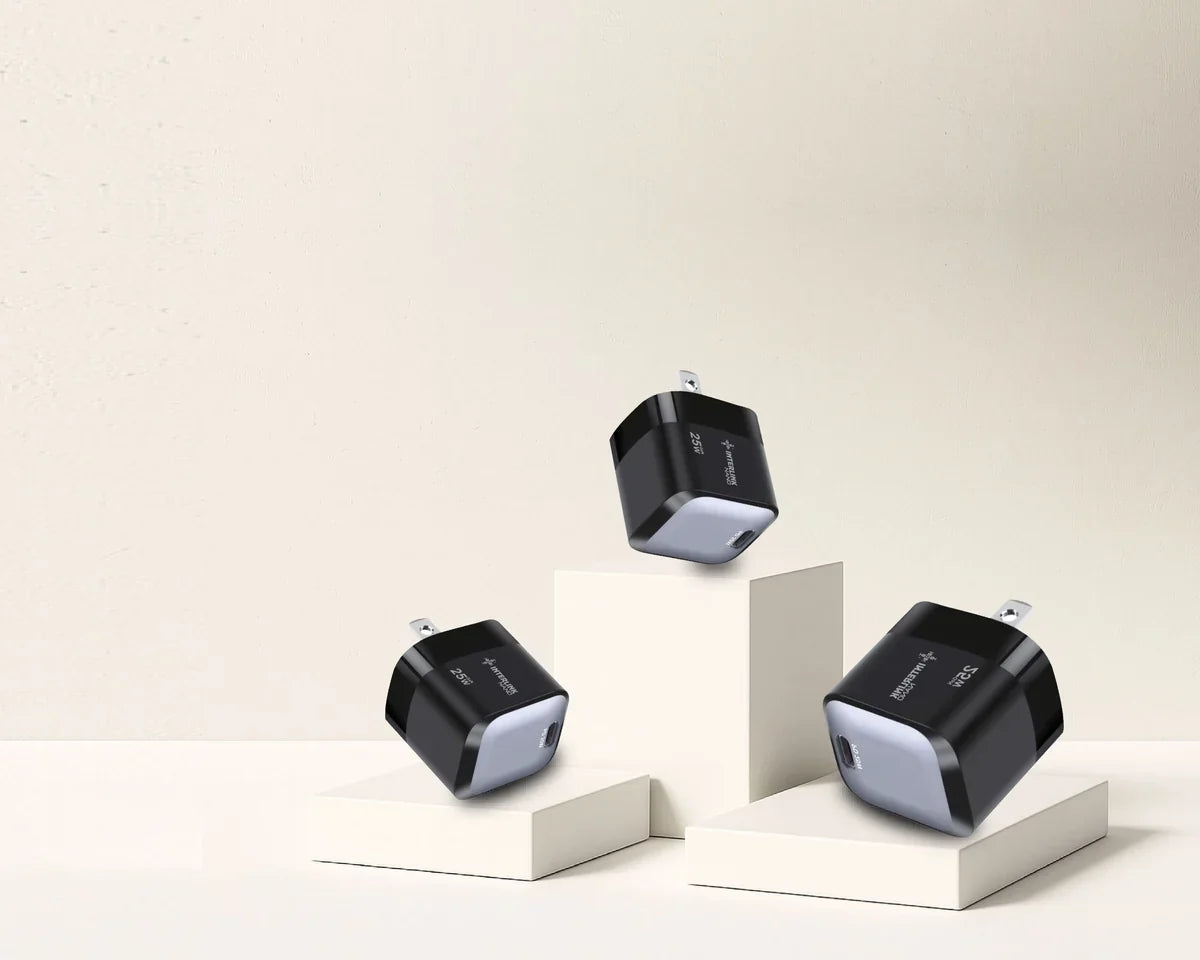
Buying a new phone charger is no longer as simple as finding a plug that fits your cable. Today, you can choose between 20W, 25W, 45W, 65W, and even higher-wattage chargers, along with technologies such as PD, PPS, and Quick Charge. You will also find GaN chargers, single-port models, and multi-port options.
With so many specifications to compare, it is easy to buy a charger that offers far more power than your phone needs—or one that does not deliver the charging speed you expected.
So, how do you choose the right charger for your phone?
The most important rule is not to simply look for the highest wattage. The right charger should match your phone's supported charging power and charging technology, while also working with the correct port and cable. Your everyday charging needs matter too.
A 25W charger might be perfect for one smartphone, while another may require 45W and PPS support to achieve its intended fast-charging performance. In another situation, a 65W multi-port charger may be the more practical choice—not because your phone needs all 65 watts, but because you want to charge your phone, tablet, or laptop with one charger.
In this guide from Cart, you will learn how to choose the right charger for your phone step by step, what specifications actually matter, and how to avoid paying for features you do not need.
How Do You Choose the Right Charger for Your Phone?
Start with four essential factors:
Your phone's supported charging power + charging technology + charger power and port + the right cable.
Once you know these, you can consider additional features such as the number of ports, charger size, GaN technology, and whether you need to charge only your phone or several devices.
In other words, do not start with a charger and ask, "Is this charger good?"
Start with your phone and ask: "What does my device actually need?"
The following steps will help you answer that question.
Step 1: Find Out How Many Watts Your Phone Supports
The first number you need to know is not the wattage of the charger you are considering. It is the maximum charging power your phone can actually use.
If your phone supports 25W charging, a compatible charger capable of providing that power may be enough to reach the charging performance supported by the device. Buying a 65W charger will not suddenly turn it into a phone that charges at 65W.
On the other hand, if your phone supports 45W charging but you use only a 20W charger, you may not get the maximum charging speed available to your device.
How Can You Find Your Phone's Supported Charging Wattage?
The best place to start is the official specifications page for your exact phone model.
Look for information such as:
Wired Charging – Fast Charging – Charging Power – Super Fast Charging
Make sure you check the exact model, not simply the product family.
Two phones from the same Galaxy, iPhone, or Pixel lineup do not necessarily support the same charging power.
If you want to understand charging wattage in more detail, read our guide on How Many Watts Does Your Phone Need for Fast Charging? to learn the differences between 20W, 25W, 45W, and 65W charging and when each level can be useful.
Step 2: Don't Choose a Charger Based on Wattage Alone
Knowing your phone's maximum charging power is important, but it is only one part of the decision.
Seeing 45W on the charger and 45W in your phone's specifications does not automatically guarantee that the phone will charge at 45W.
The charging technology must also be compatible, and the cable and other requirements need to support the intended charging setup.
As a general guide:
|
Your Phone Supports |
What to Look for in a Charger |
|
20W |
A compatible charger capable of providing the required power |
|
25W |
A charger that supports 25W and the protocol required by your phone |
|
45W |
A 45W or higher charger with the correct charging technology and cable |
|
65W |
A charger capable of delivering the required power through the correct port |
This table is only a starting point because wattage alone does not determine compatibility.
Can You Use a Charger With Higher Wattage Than Your Phone Supports?
In many cases, you can use a reliable, compatible charger with a higher maximum output without your phone receiving the charger's full rated wattage.
For example, if you connect a 65W charger to a phone that supports only 25W charging, the phone will not necessarily receive 65W. With compatible charging equipment, the device operates according to the power levels and charging technology it supports.
So, you do not need to be afraid of a 65W charger simply because the number is higher. At the same time, you should not buy it solely because a larger number sounds better.
If battery health is your concern, read our guide on Does Fast Charging Damage Your Battery? to understand which charging factors actually affect battery health over time.
Step 3: Check Which Fast-Charging Technology Your Phone Supports
This is where one of the most common charger-buying mistakes happens.
You might buy a 45W charger because your phone supports 45W charging, only to discover that you are not getting the speed you expected.
One possible reason is that the phone and charger do not support the charging technology required to reach that power level.
USB Power Delivery (PD)
USB Power Delivery, or USB PD, is a standard for managing and delivering power over USB and is widely used with modern USB-C devices.
If your phone relies on USB PD for fast charging, look for a charger that supports the standard rather than focusing only on the wattage printed on the product.
Programmable Power Supply (PPS)
PPS, or Programmable Power Supply, is a capability within USB Power Delivery that allows compatible devices and chargers to adjust voltage and current more flexibly during charging.
This becomes particularly important when a phone requires PPS support to reach a specific fast-charging level.
Quick Charge (QC)
Quick Charge is a fast-charging technology developed by Qualcomm and is used by compatible devices and chargers.
As a buyer, you do not need to memorize every technical detail behind each charging protocol.
What matters is knowing which technology your phone requires and making sure the charger supports it.
That is why two chargers labeled 45W do not necessarily provide the same charging experience with a particular smartphone.
For a more detailed comparison, read our guide on PD vs. PPS vs. Quick Charge, then explore PD & Fast Chargers on Cart to compare available specifications.
Step 4: Choose the Right Charging Port
After wattage and charging technology, consider the port.
You will commonly find chargers with USB-C, USB-A, or a combination of both.
USB-C Charger
USB-C has become a common choice across modern smartphones and chargers and is closely associated with charging standards such as USB Power Delivery.
If your phone and cable use USB-C and you want to take advantage of modern fast-charging technologies, check the specifications and maximum output of the charger's USB-C port.
USB-A Charger
A USB-A charger is not automatically unsuitable or incapable of fast charging.
However, the power levels and charging technologies available through USB-A vary from charger to charger.
Do not choose based on the shape of the port alone.
USB-C vs. USB-A: Which Should You Choose?
The answer depends on your phone, cable, and required charging technology.
If you are buying a charger for a modern device that uses USB-C and USB PD, a USB-C port may be the logical choice.
If you still have devices or cables that rely on USB-A, having a USB-A port may also be useful.
For users with different types of devices, a charger that includes both USB-C and USB-A can sometimes be the more practical option.
Step 5: Don't Forget the Charging Cable
You can choose the right phone and charger combination and still lose some charging performance because of the cable.
The cable is an essential part of the charging system—not simply a wire connecting your phone to the power adapter.
Why Can a Cable Prevent Maximum Fast-Charging Speed?
Because cables have different capabilities and specifications.
Having USB-C connectors on both ends, for example, does not mean that all USB-C cables are identical or support the same amount of power.
If your charger and phone can handle a particular charging level but your cable does not meet the required specifications, you may not achieve the expected performance.
How Do You Choose the Right Charging Cable?
Check four things:
Connector type + power rating + supported standard + cable quality.
You should also make sure the connector matches your device, whether that is USB-C, Lightning, or another connector.
Browse charging cables on Cart to compare available options according to connector type and charging requirements.
How to Choose a Charger Based on Your Phone
There is no single wattage that applies to every smartphone from a particular brand.
Use the following recommendations as a starting point, but always check the specifications for your exact model before buying.
How to Choose an iPhone Charger
When choosing an iPhone charger, start by checking the charging requirements for your specific model, then choose an appropriate power adapter and cable.
USB-C has become an important part of the charging ecosystem for modern iPhones, but do not assume that every iPhone model can take advantage of the same charging power.
Buying a 65W charger simply because it is more powerful may therefore be unnecessary if your only goal is to charge an iPhone that cannot use the full output.
How to Choose a Samsung Charger
Samsung Galaxy devices support different levels of Fast Charging and Super Fast Charging, depending on the model.
Some devices can take advantage of 25W charging, while others support higher levels such as 45W. Charger technology and cable compatibility are also important.
Before buying a Samsung charger, check your specific phone's charging power and whether PPS support is required to reach the desired charging level.
How to Choose a Google Pixel Charger
When choosing a charger for a Google Pixel phone, check your specific model's requirements for USB Power Delivery, PPS, and supported charging power.
Do not rely on wattage alone. The right charger needs to deliver power in a way the device supports.
What About Xiaomi, HONOR, and Other Phones?
The same principle applies.
Some brands and models use different charging technologies or requirements to achieve their highest charging speeds.
Do not assume that every phone advertised with a similar charging wattage will perform identically with the same 65W charger.
The exact model and charging technology matter more than the brand name alone.
20W vs. 25W vs. 45W vs. 65W Charger: Which Should You Choose?
Instead of assuming that more power is always better, choose the wattage according to your devices and the way you plan to use the charger.
Choose a 20W Charger If...
Your device can achieve the charging performance you need at this level and you do not need to power devices with higher requirements.
It can be a straightforward and practical option for charging one compatible smartphone.
Choose a 25W Charger If...
Your phone is designed to take advantage of up to 25W and the charger supports the technology required to reach that charging level.
In this situation, there is no need to buy a 65W charger simply to make your phone charge faster if the phone itself has a lower limit.
Choose a 45W Charger If...
Your smartphone genuinely supports this charging level, or you want additional flexibility for charging other devices.
Make sure the charging protocol and cable also meet your device's requirements.
Choose a 65W Charger If...
You want to use one charger with more than one type of device.
A 65W charger can be practical if you need to charge a smartphone, tablet, or certain USB-C laptops, provided that its output and power distribution match your devices' requirements.
You can compare different options in Cart's chargers and cables collection rather than choosing a charger based on wattage alone.
Do You Need a GaN Charger?
When shopping for a new charger, you may see GaN mentioned in the specifications of many newer models.
GaN stands for Gallium Nitride, a material used in certain power electronics. It can help manufacturers design chargers that deliver relatively high power in more compact designs compared with some conventional alternatives.
However, having a GaN charger does not mean your phone will charge faster than its supported maximum.
When Is a GaN Charger a Good Choice?
A GaN charger may be practical if you want:
-
Higher power in a compact design.
-
A charger that is convenient for travel.
-
Multiple charging ports.
-
One charger for your phone, tablet, or laptop.
If you simply need a basic charger for one smartphone with relatively modest power requirements, GaN does not have to be a requirement.
Single-Port vs. Multi-Port Charger: Which Is Better?
The answer depends on how many devices you charge regularly.
When Should You Choose a Single-Port Charger?
If your main goal is to charge one smartphone and you do not need to connect several devices at once, a single-port charger may be the simplest choice.
When Should You Choose a Multi-Port Charger?
If you regularly carry a phone, wireless earbuds, smartwatch, tablet, or laptop, a multi-port charger can reduce the number of separate power adapters you need.
But there is one important specification you should check before buying.
Pay Attention to Power Distribution
If a multi-port charger is advertised as 100W, do not automatically assume that every port can provide 100W.
The maximum power may be available through one specific port when used alone, while the charger may distribute power differently when two or three devices are connected.
Before buying a multi-port charger, check its Power Distribution specifications to understand how much power each port can provide under different usage scenarios.
Do You Have to Buy the Original Phone Charger?
Not necessarily.
Your charger does not always have to come from the same brand that manufactured your phone.
What matters is choosing a charger that is reliable and compatible with your device's requirements, including charging power, charging technology, port, and cable.
A charger from another reputable brand can work well across several devices if it supports the required standards.
On the other hand, a high wattage rating or recognizable label does not make up for poor quality or incompatibility.
What Safety Features Should You Look for in a Phone Charger?
When comparing chargers, do not make price and wattage your only considerations.
Check the manufacturer's product specifications for available safety protections, which may include, depending on the charger:
Overvoltage protection, overcurrent protection, overtemperature protection, and short-circuit protection.
Do not assume that every fast charger includes every type of protection. Check the specifications of the actual product and choose chargers from reliable brands and sellers.
7 Mistakes to Avoid When Buying a Phone Charger
Most charger-buying mistakes happen when people focus on one specification and ignore the rest of the charging system.
Choosing the Highest Wattage Without Checking Your Phone
A 100W charger is not automatically better for your phone than a 25W charger.
If your device cannot use the additional power, buying a higher-wattage charger will not suddenly double its charging speed.
Ignoring PD, PPS, or the Required Charging Technology
The correct wattage paired with the wrong charging protocol can prevent you from getting the performance you expected.
Using the Wrong Cable
There is little benefit in investing in a fast charger and then connecting it with a cable that cannot meet the charging requirements.
Assuming All USB-C Ports Are the Same
One USB-C port on a charger may provide a different maximum output from another, especially on multi-port chargers.
Ignoring Power Distribution
Check how each port's available output changes when several devices are connected at the same time.
Buying an Unknown Charger Just Because It Is Cheaper
Your charger powers a device that may be one of your most expensive everyday possessions.
Compatibility, build quality, and appropriate safety features are more important than saving a small amount on an unreliable charger.
Thinking Only About Your Phone When You Charge Several Devices
If you regularly need to charge your phone, earbuds, tablet, and laptop, a suitable multi-port charger may be more practical than carrying a separate adapter for every device.
How to Choose a Charger Based on Your Daily Use
Once you understand the specifications, choosing becomes easier when you connect them to how you actually use your devices.
|
Your Use |
What to Look For |
|
Charging one phone |
Power and charging protocol compatible with the phone |
|
Maximum supported phone charging speed |
Correct wattage + charging technology + compatible cable |
|
Phone + earbuds + smartwatch |
A multi-port charger may be more practical |
|
Phone + tablet |
Enough power for both devices + suitable power distribution |
|
Phone + USB-C laptop |
Higher output such as 65W or more, depending on device requirements |
|
Travel |
Compact design, GaN, and multiple ports if needed |
These numbers are not universal rules. If your laptop requires a different wattage or your phone depends on a particular charging protocol, the specifications of your actual devices should always be your final reference.
Checklist: What Should You Check Before Buying a Phone Charger?
Before clicking "Buy," ask yourself:
What is the maximum charging power my phone supports?
Which charging technology does it require?
Does the charger support the required wattage and protocol?
Which port provides the power I need?
Is my cable suitable for that charging level?
Will I charge one device or several devices?
How is power distributed between the charger's ports?
Which safety protections does the manufacturer specify?
If you can answer these questions, you are in a much better position to choose a charger based on your actual needs rather than the biggest number printed on the box.
Frequently Asked Questions About Choosing the Right Phone Charger
How Do I Know Which Charger Is Right for My Phone?
Start by checking the official specifications for your exact phone model to find its maximum charging power and supported charging technology. Then choose a reliable charger capable of meeting those requirements and pair it with a suitable cable.
Can I Use a 65W Charger With a Phone That Supports 25W?
A reliable and compatible higher-wattage charger can generally be used, but your phone will not necessarily use the charger's full output. A 65W rating does not mean the charger will force 65W into a phone designed for a lower charging level.
Does Higher Wattage Charge a Phone Faster?
Only if your phone can use the additional power and the charging technology and cable are compatible.
If your phone supports a maximum of 25W, switching from a compatible 25W charger to a 65W charger will not make the phone charge at 65W.
Can I Use Any USB-C Charger With My Phone?
A matching connector does not guarantee identical charging capabilities.
Check the charger's power output and supported charging technology and compare them with your phone's requirements.
Is a 25W Charger Better Than a 20W Charger?
It depends on your phone.
If your device can take advantage of 25W charging, a compatible 25W charger may be the more suitable option. If your phone cannot use the additional power, however, the higher wattage alone does not automatically make it a better choice.
Do I Need PPS for Fast Charging?
That depends on your phone.
Some devices require PPS support to achieve particular fast-charging levels, while other phones use different charging requirements.
Does the Cable Affect Charging Speed?
Yes. An incompatible or insufficient cable can prevent your phone from reaching the charging level that the phone and charger would otherwise support.
Do I Have to Buy the Original Charger?
Not necessarily.
A charger from another reputable manufacturer can be suitable as long as it supports your phone's required charging power, standards, and specifications.
Is a GaN Charger Better Than a Regular Charger?
GaN can offer practical advantages, such as providing relatively high power in a more compact design, but it is not a requirement for fast charging.
Choose GaN if its size, power, or multi-device benefits match the way you plan to use the charger.
Does a Multi-Port Charger Reduce Charging Speed?
The power available from each port may change when multiple devices are connected, depending on the charger's design and power distribution system.
Always check the charger's Power Distribution specifications if you plan to charge several devices simultaneously.
Conclusion
So, how do you choose the right charger for your phone? Do not start with the highest wattage available. Start with your phone's specifications.
Find out the maximum charging power your device supports, identify the charging technology it requires, and make sure the charger, port, and cable are compatible. Then think about your everyday needs: are you charging only one phone, or do you want a single charger for your phone, tablet, and laptop?
Keep this simple formula in mind:
Phone charging requirements + correct charging technology + compatible charger + suitable cable = a better charging setup.
A 25W charger may be exactly what your phone needs, while a 65W multi-port charger may make more sense for someone who regularly charges several devices.
The best charger is not necessarily the one with the biggest wattage number. It is the one that fits your devices and the way you use them.
Ready to choose the right charger for your phone? Browse chargers and cables on Cart and compare wattages, ports, and specifications to find an option that matches your phone and everyday charging needs.